


RELATED LINKS
RELATED LINKS
RELATES LINKS
RELATES LINKS
Services
Related Links

Use and Management of Cookies
We use cookies and other similar technologies on our website to enhance your browsing experience. For more information, please visit our Cookies Notice.
- Personal Banking
- Deposits
- E-Passbook Deposit Account
- Personal Banking
- ...
- E-Passbook Deposit Account
Deposit
E Passbook Deposit Account
Switch to a digital account! Enjoy full convenience without a physical passbook.
 Share
Share
This deposit shall be protected by the Deposit Protection Agency in the amount specified in the relevant laws.
- Product Detail
- How to Convert Accounts
- Instructions
- Product Information
- Document Required
- FAQs
- Contact Us
Important
Announcement
Please be informed that, effective September 1, 2026,
the service for converting a savings account to an E PASSBOOK via the SCB EASY app will be temporarily suspended.
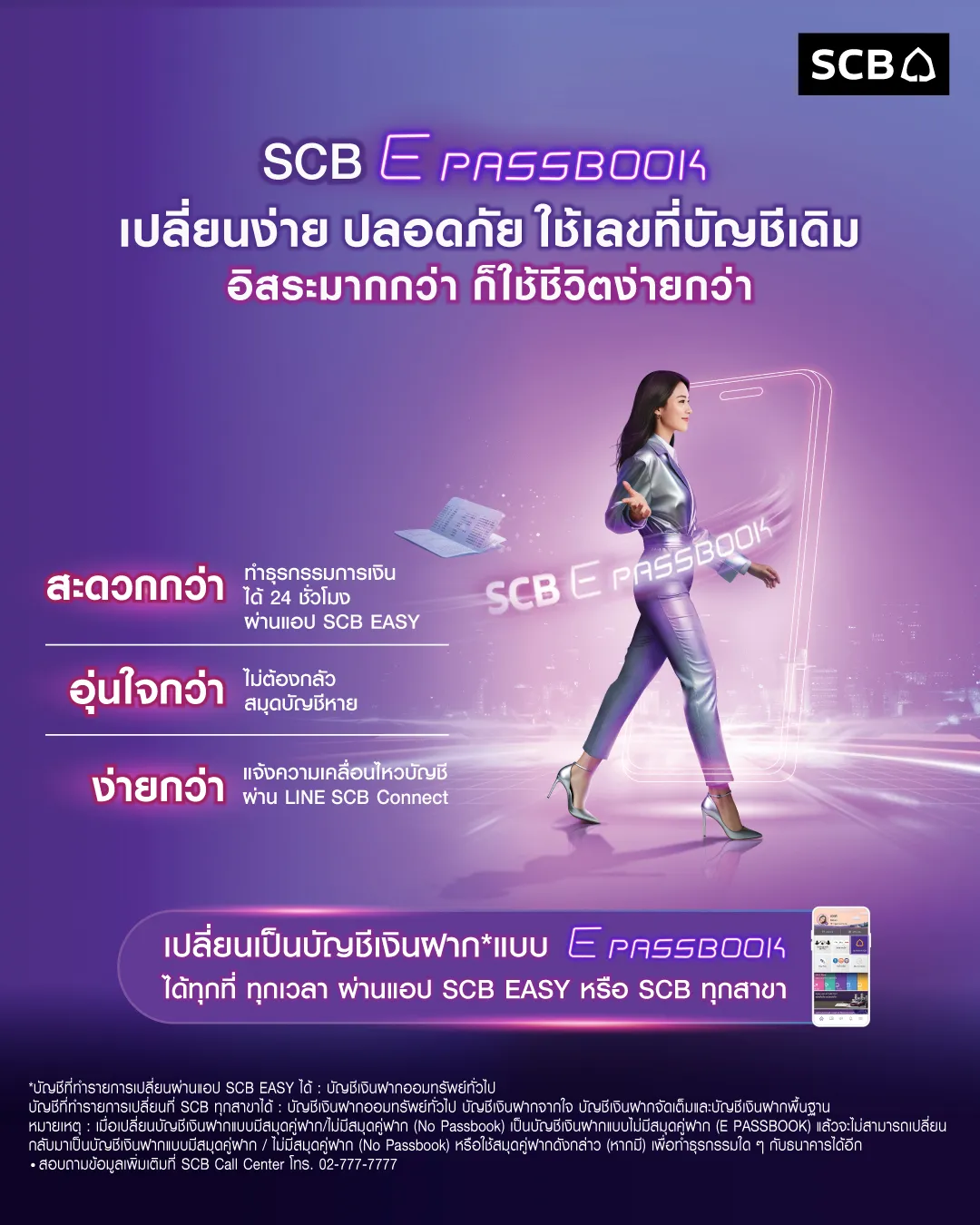
Customers may continue to convert their savings accounts to E PASSBOOK accounts at any SCB branch nationwide and enjoy the following benefits:
• Keep the same account number with no physical passbook required
• Check balances and perform transactions via the SCB EASY app
• Receive account activity notifications through LINE SCB Connect
Announced on August 1, 2026
Product Detail
Independent stage of financial transaction with SCB E PASSBOOK, more convenient, flexible, and secure, with your data and signature in the banking system, transactions at all branches only show ID card. Open or switch to it, all account types, today.

Easier with a single card.
Just show your identification documents, for the same transactions at all branches, without a passbook, do not be afraid of missing passbook.
Online Activity Report
Get all the movements of the deposits, withdrawals at branches with Email Notification and E-Statement following the month of transaction.
Notice of Service Change
The Change of Savings Account Conversion to E PASSBOOK via SCB EASY, as on 1 September 2026 onwards.
For other types of deposit accounts, please visit any SCB branch.

1. Visit an SCB branch and provide your email address and ID card.

2. Complete the process via the iProfile system. Facial photo and signature specimen will be collected.

3. Confirmation will be sent to your email – all done in one app!
Once a passbook or no-passbook savings account has been converted to an e-PASSBOOK account, it cannot be reverted to its previous form, and any existing passbook (if applicable) can no longer be used for transactions with SCB.
Enjoy easier and more convenient banking transactions on the SCB EASY app.
Product Information
Document Required

Identity Verification
ID card (A foreigner using a passport and work permit), or a government official card, or a State Enterprise Employee Card
Get Answers About this Product
What is the SCB e-Passbook Deposit Account, and who is it suitable for?
The SCB e-Passbook Deposit Account is a digital savings account without a physical passbook. It eliminates the hassle of carrying or updating a passbook and avoids issues like loss or damage. It saves time and is ideal for customers who want convenience and speed, since all transactions can be managed anytime, anywhere via smartphone—no need to visit a branch or update a passbook at a kiosk.
Do I need to visit an SCB branch to open an SCB e-Passbook Deposit Account? How long does it take?
No branch visit is required. You can open the account online via the SCB EASY app, with identity verification through NDID or supported service points. The process is quick, and the account can be used immediately for deposits and transfers—all done on mobile.
Without a passbook, how can I check balances, view transaction history, or withdraw cash?
All transactions can be managed conveniently on your mobile phone via the SCB EASY app:
- Check balances / view transaction history: Real-time access 24/7, also available via LINE SCB Connect.
- Request account statements (e-Statements): Download or send to email for free.
- Withdraw cash: Use the Cardless Withdrawal feature in the app to withdraw instantly at SCB ATMs.
What types of SCB e-Passbook Deposit Accounts are available?
Several types are offered to match your financial goals, including:
- EZ Savings Account (for spending and transactions)
- Online Fixed Deposit Account (for higher interest)
- Long-Term/Bonus Deposit Account (for continuous saving)
- Foreign Currency Deposit Account (e-FCD)
Is the SCB e-Passbook Deposit Account secure? What if I change my phone?
Yes. The account is protected by multi-layer identity verification. If you switch to a new mobile phone, simply download the SCB EASY app and log in using the bank’s identity verification process. You can then continue using your account as usual.