


RELATED LINKS
RELATED LINKS
RELATES LINKS
RELATES LINKS
Services
Related Links

Use and Management of Cookies
We use cookies and other similar technologies on our website to enhance your browsing experience. For more information, please visit our Cookies Notice.
- Personal Banking
- Digital Banking
- SCB Easy App
- Open an online savings account
- Open a Welcome Savings Account with identity authentication at an SCB ATM (for new customers)
- Personal Banking
- ...
- Open a Welcome Savings Account with identity authentication at an SCB ATM (for new customers)
Online savings account
Open a Welcome Savings Account
with identity authentication at an SCB ATM (for new customers)
 แชร์
แชร์
Open a Welcome Savings Account
with identity authentication at an SCB ATM (for new customers) (for new customers)
Details
- Open an online savings account easily through the SCB EASY app.
- This method verifies your identity by checking your national ID card and taking a facial photo for identity verification via the SCB EASY App.
Welcome Savings Account
Detailed instructions on identity authentication at an SCB ATM and Welcome Savings Account opening
Instructions on identity authentication at an SCB ATM

1. Insert your ID card at the SCB ATM.

2. Accept the terms and conditions and confirm.

3. Enter your mobile phone number and set a password.
*Your identity authentication at an SCB ATM will remain valid for 3 days. You will need to make a new identity authentication transaction if you do not complete the process within that timeframe.
Instructions on account opening via the SCB EASY app
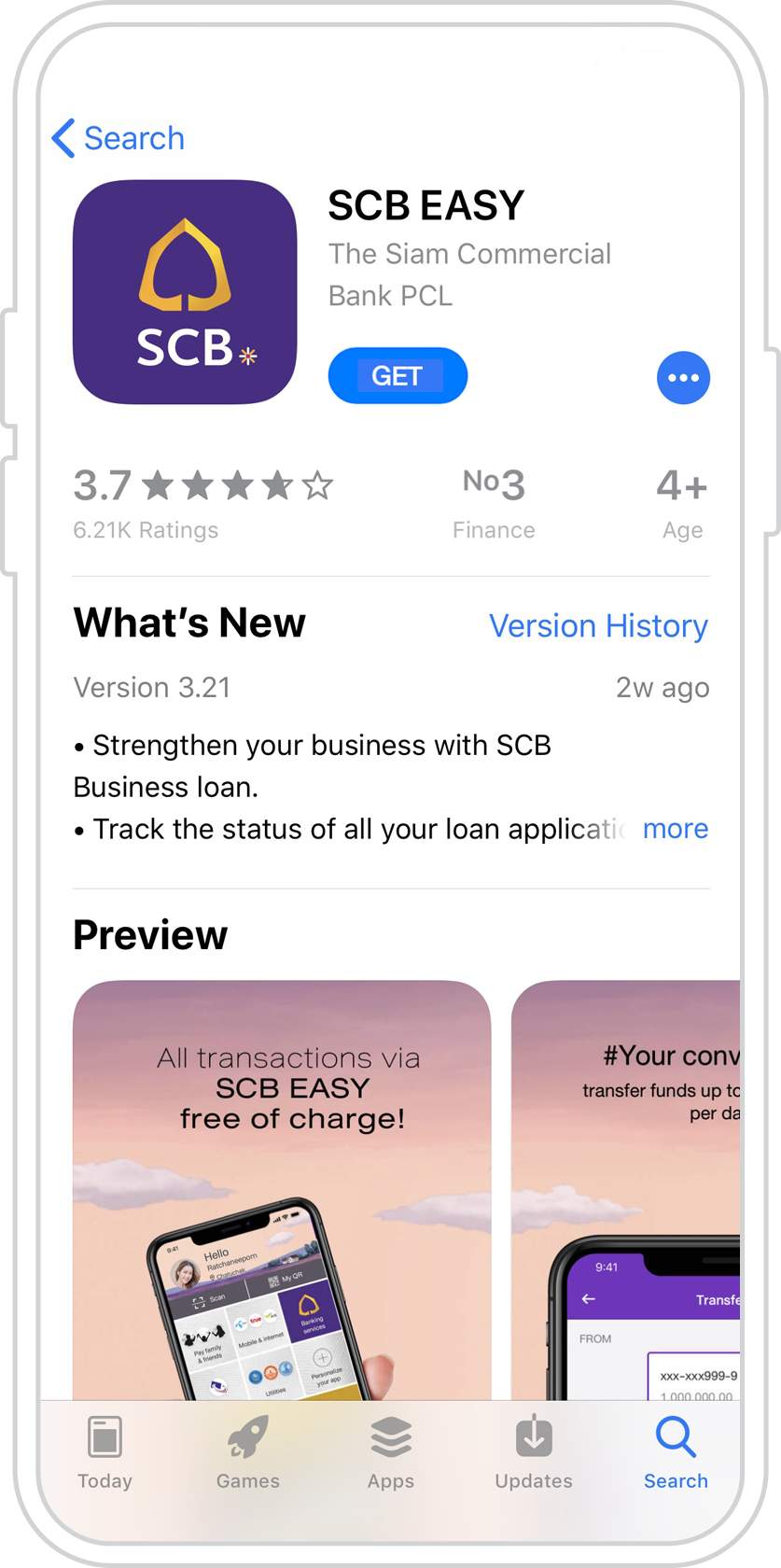
1. Download the SCB EASY app from the App Store or Google Play.
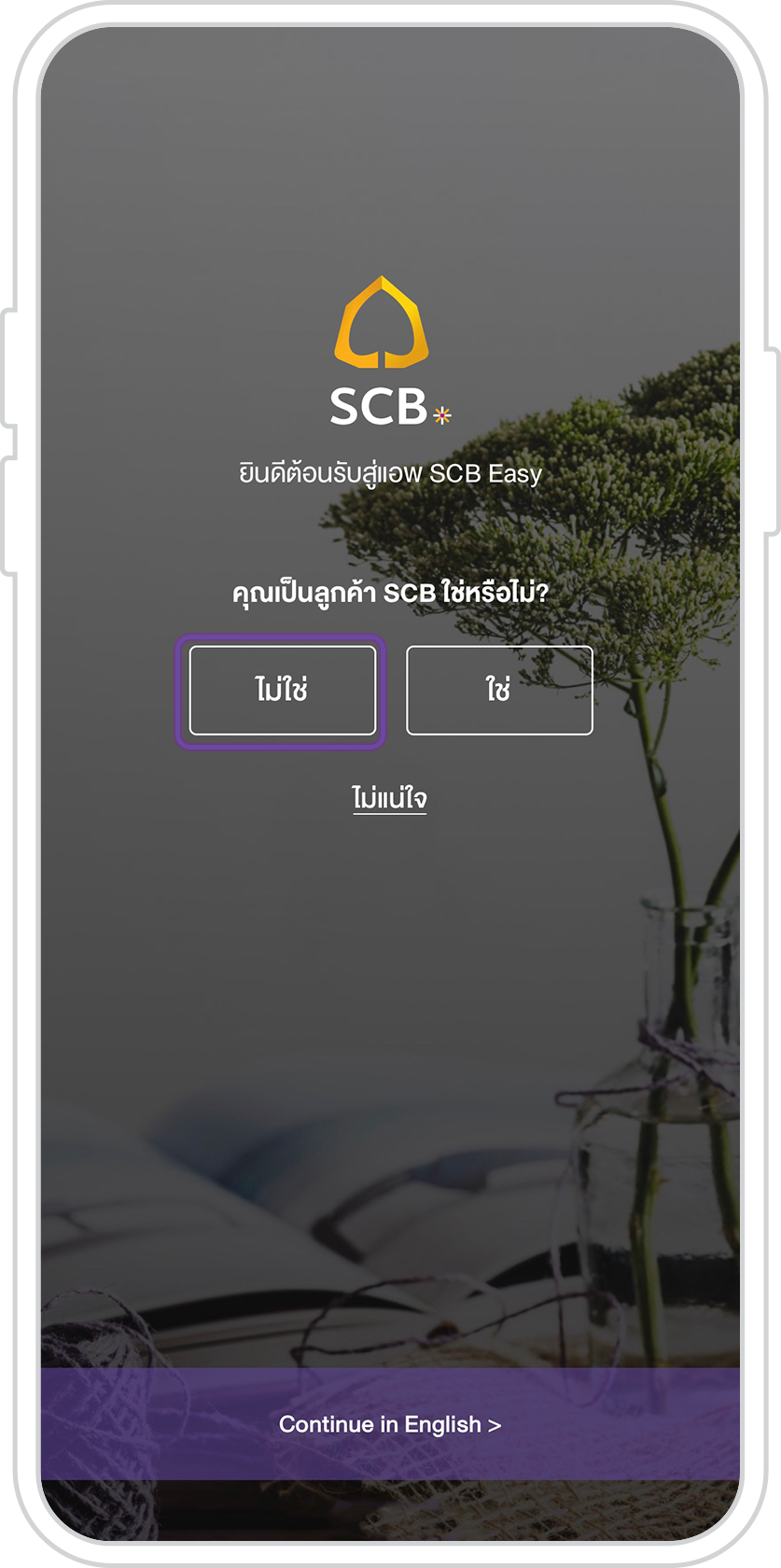
2. Open the SCB EASY app. Select “No.”
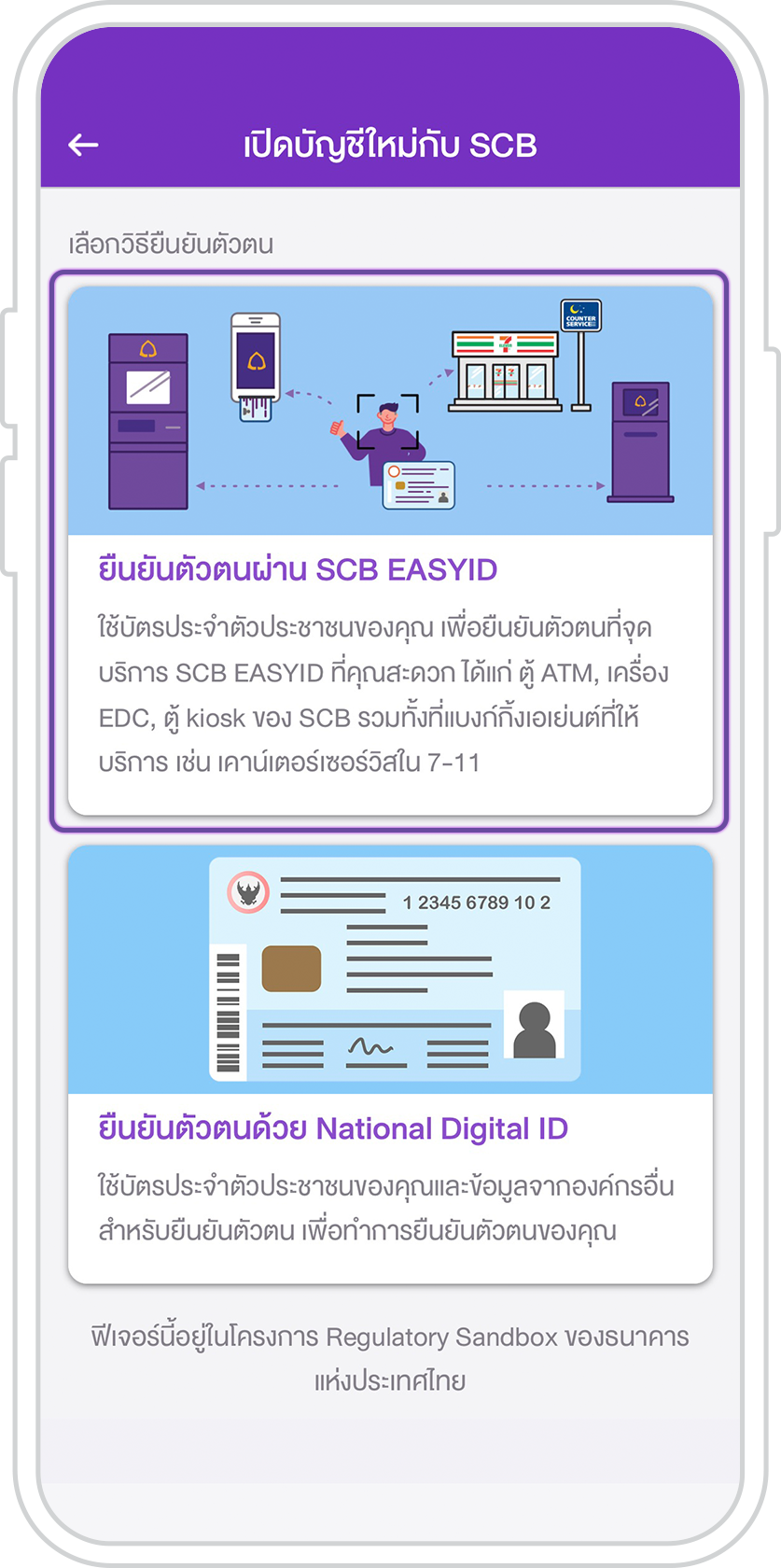
3. Select SCB EASY ID authentication.
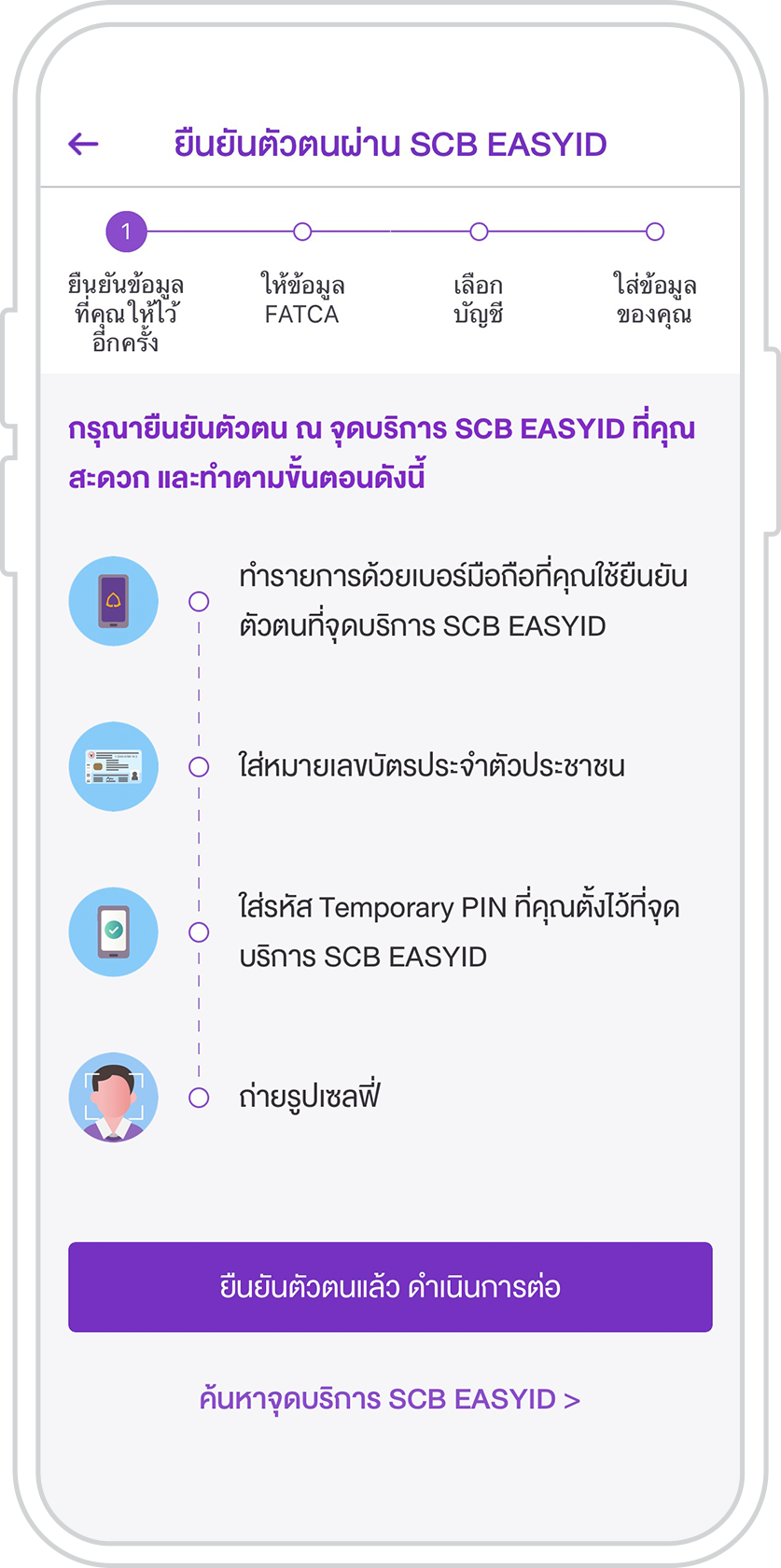
4. Select “ID authenticated. Continue.”
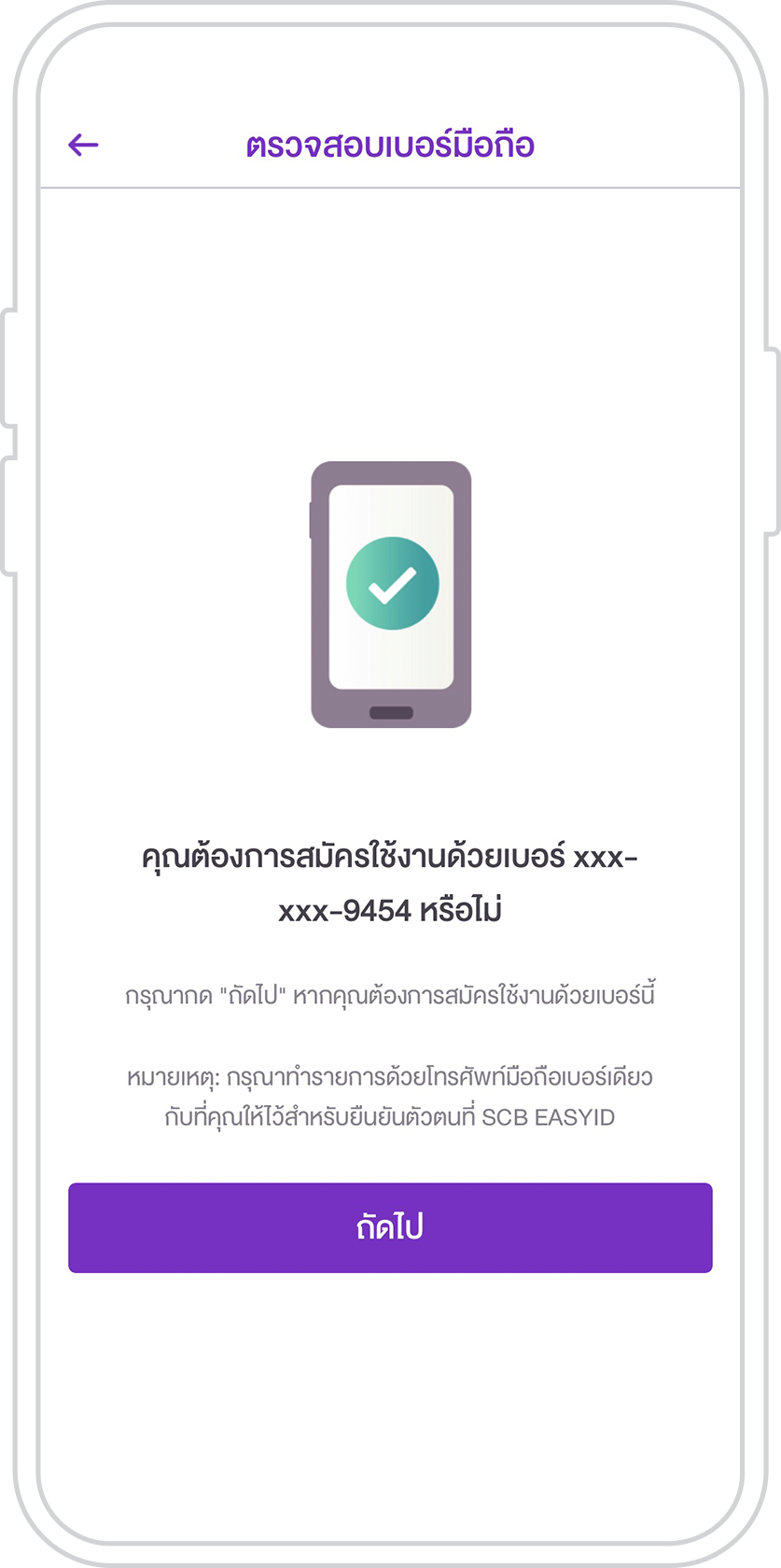
5. Check the mobile phone number provided. Tap “Next.”
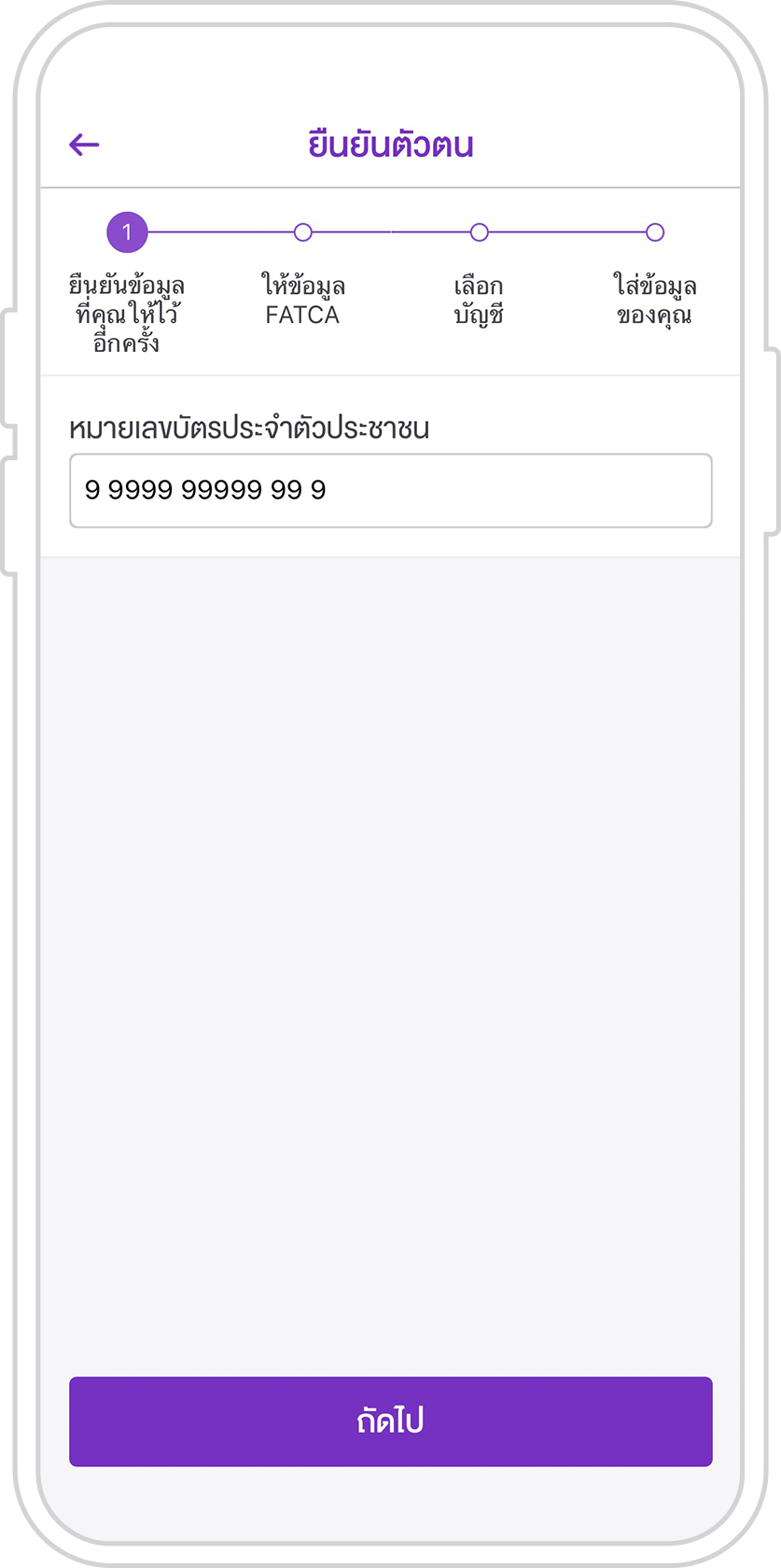
6. Enter your ID number. Tap “Next.”
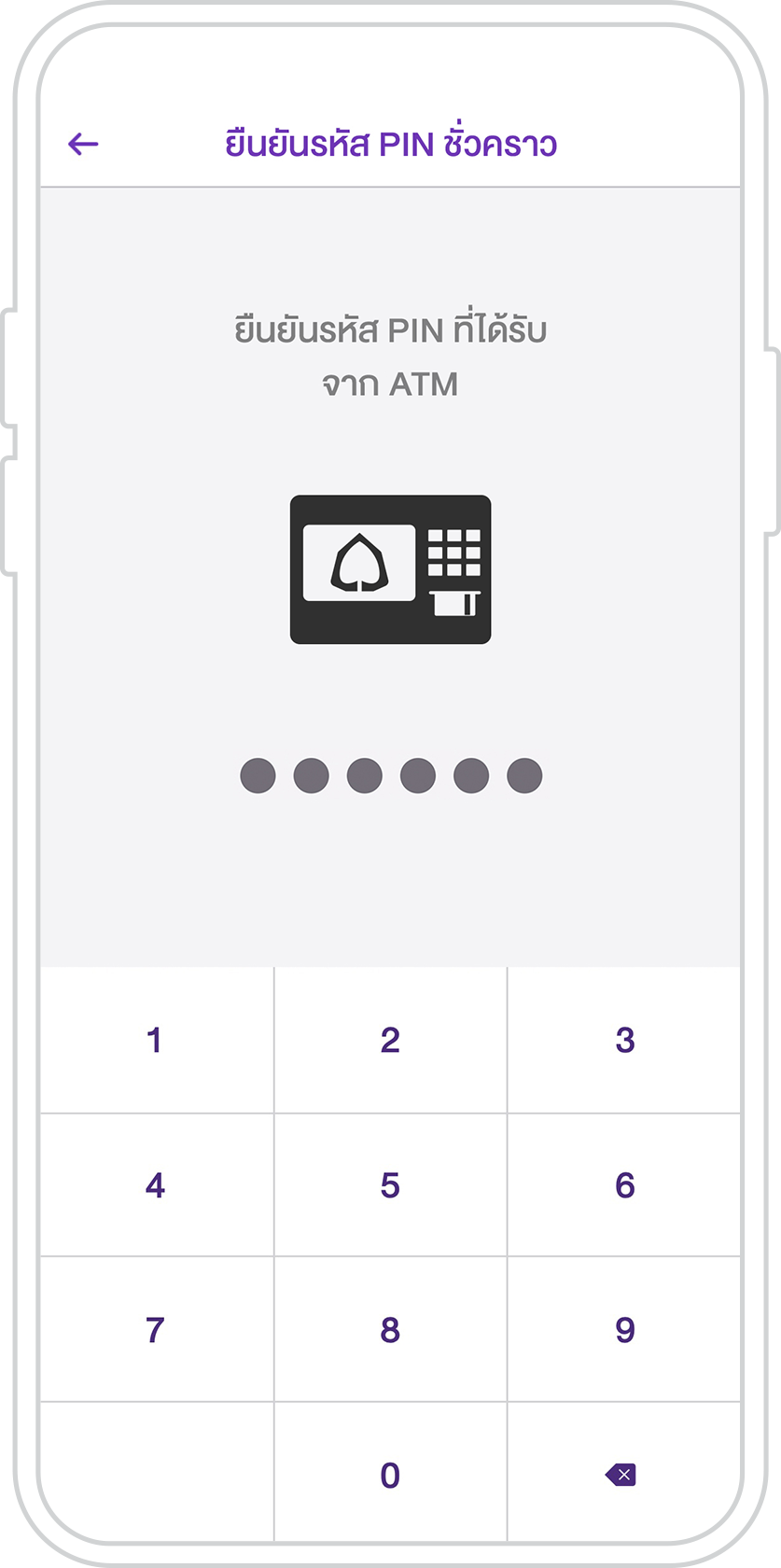
7. Enter your temporary password set at an SCB ATM.
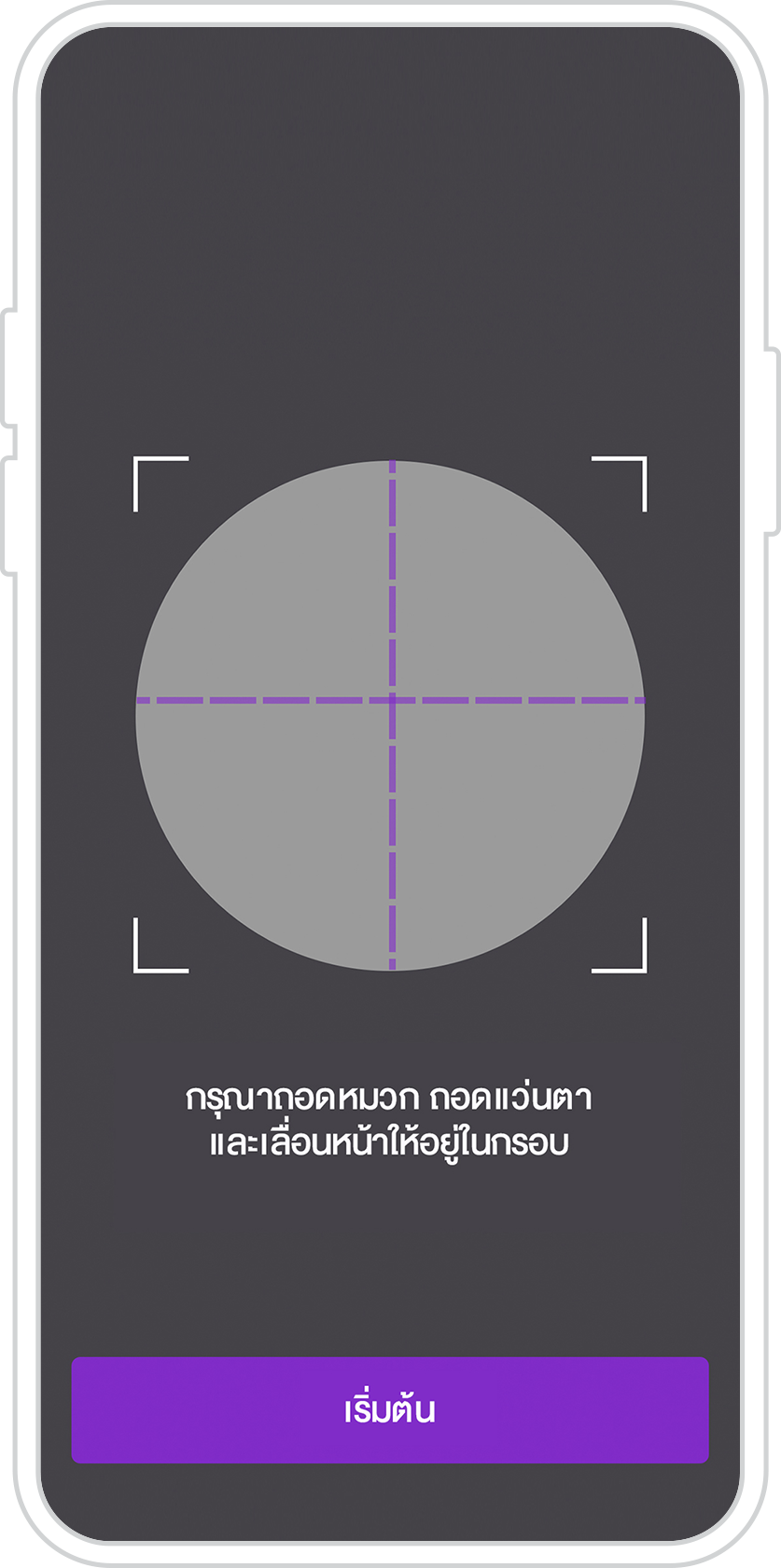
8. Have your photo taken for identity authentication following the instructions.
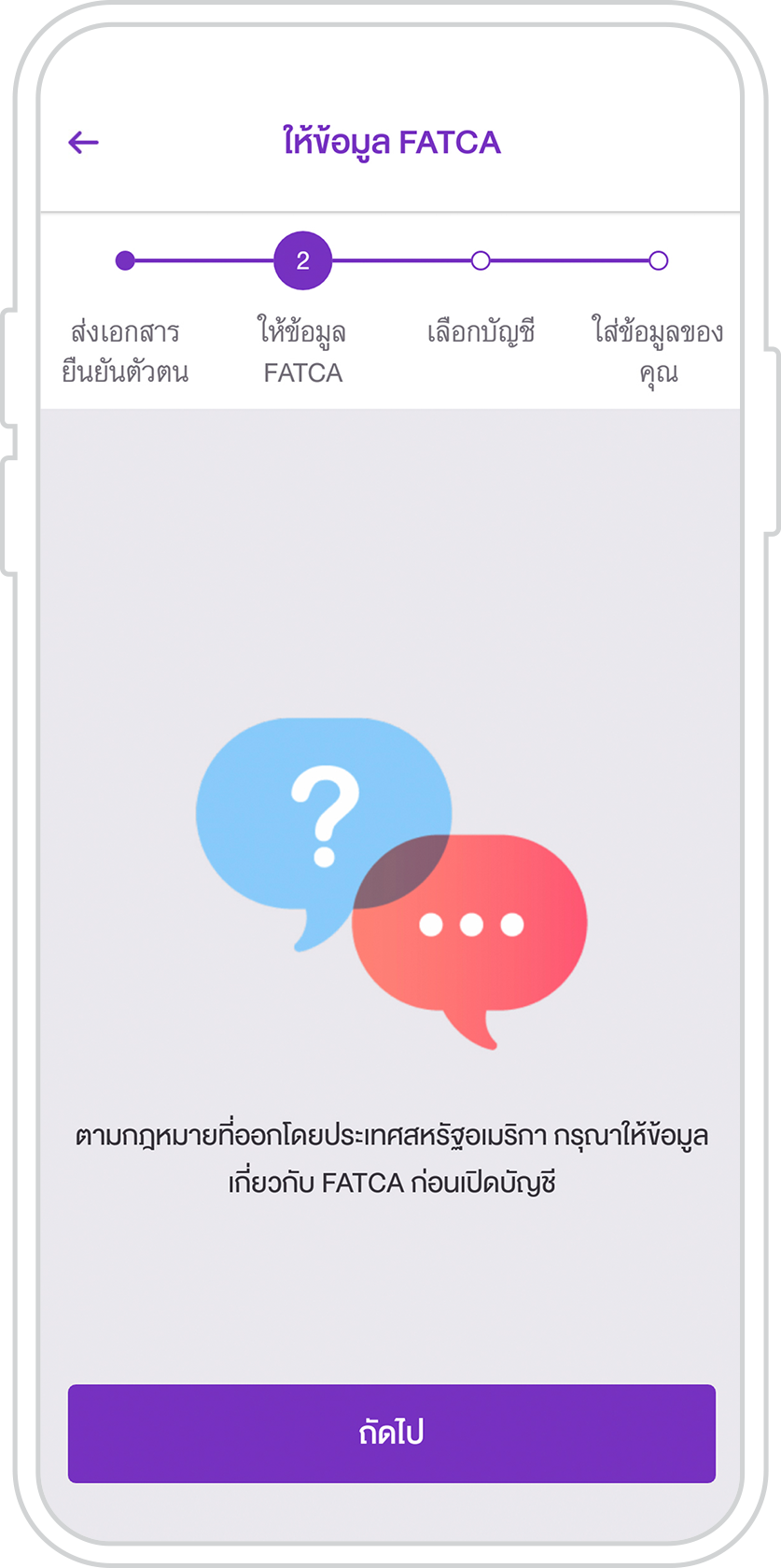
9. Tap “Next.” Answer FATCA questions.
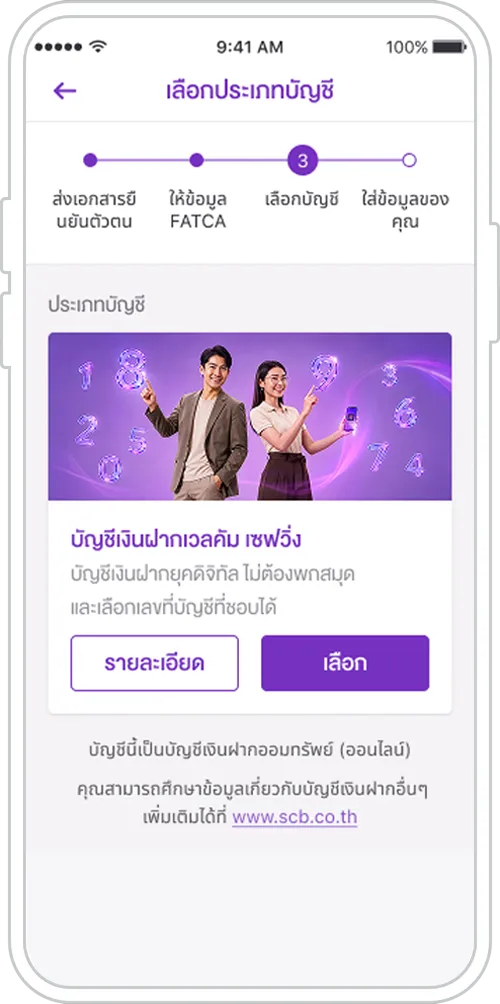
10. Select Welcome Savings Account to enter details.
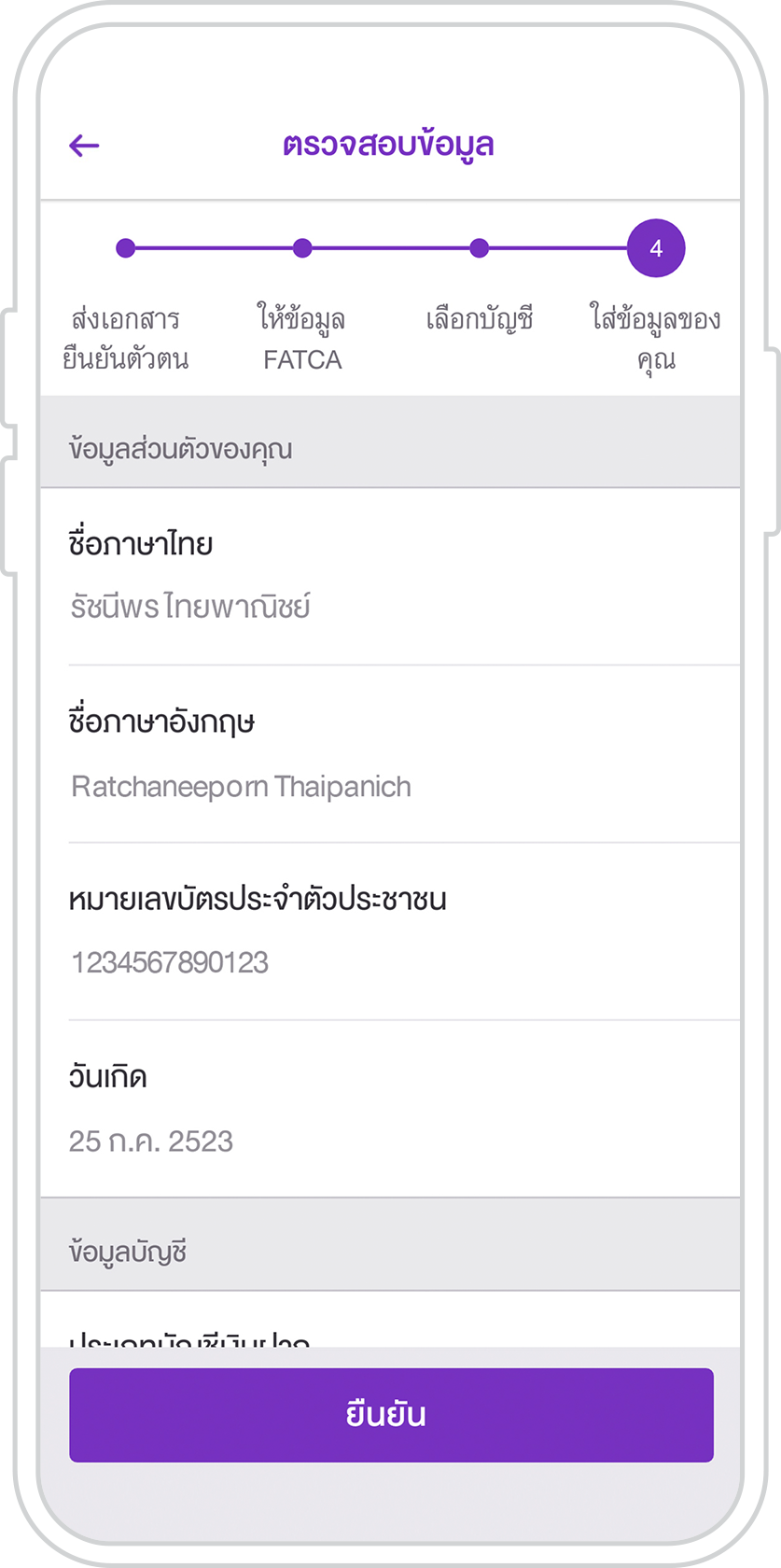
11. Review the details. Tap “Confirm.”
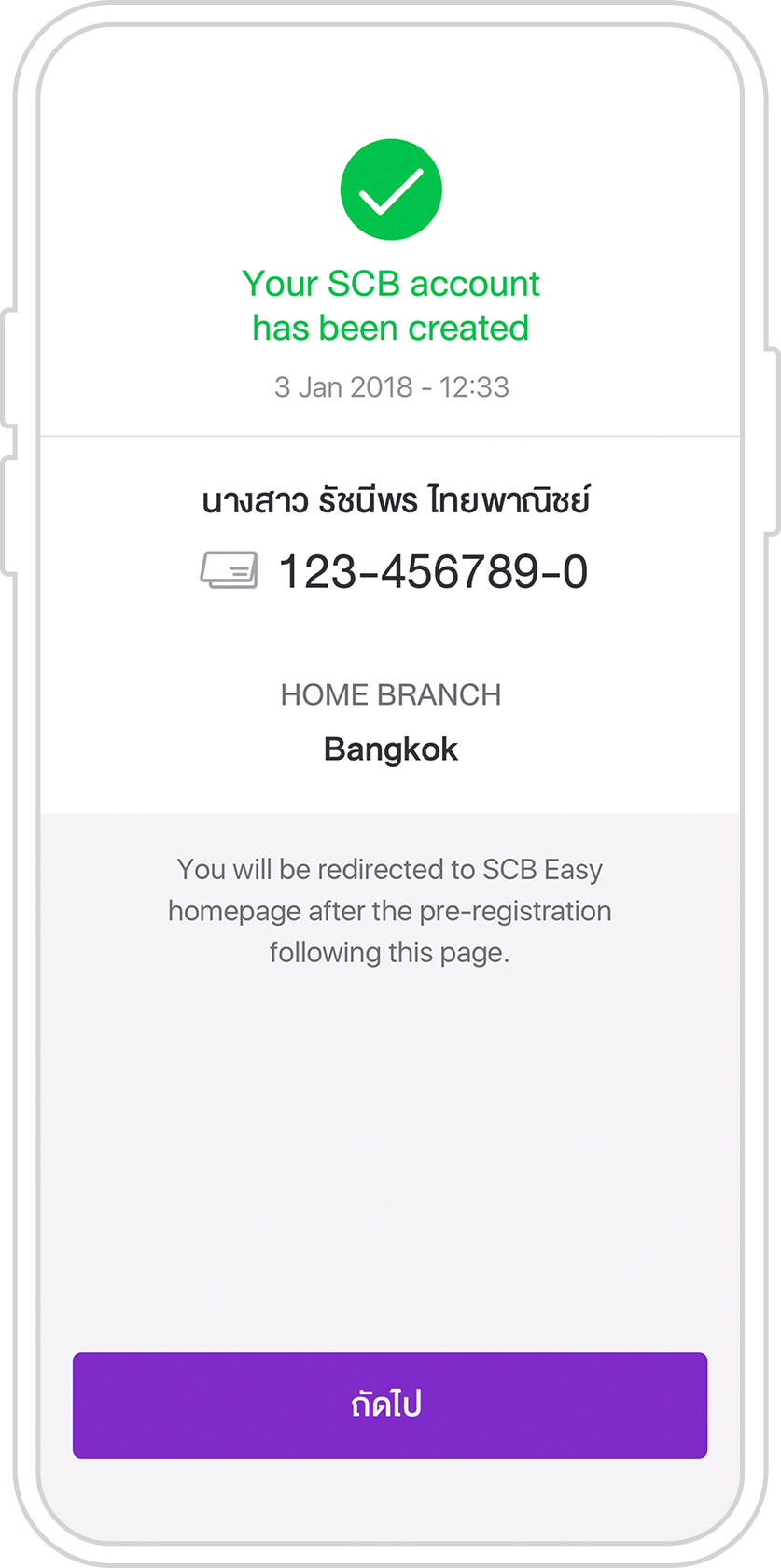
12. The account is successfully opened. Tap “Next” to accept the terms and conditions and confirm the OTP.
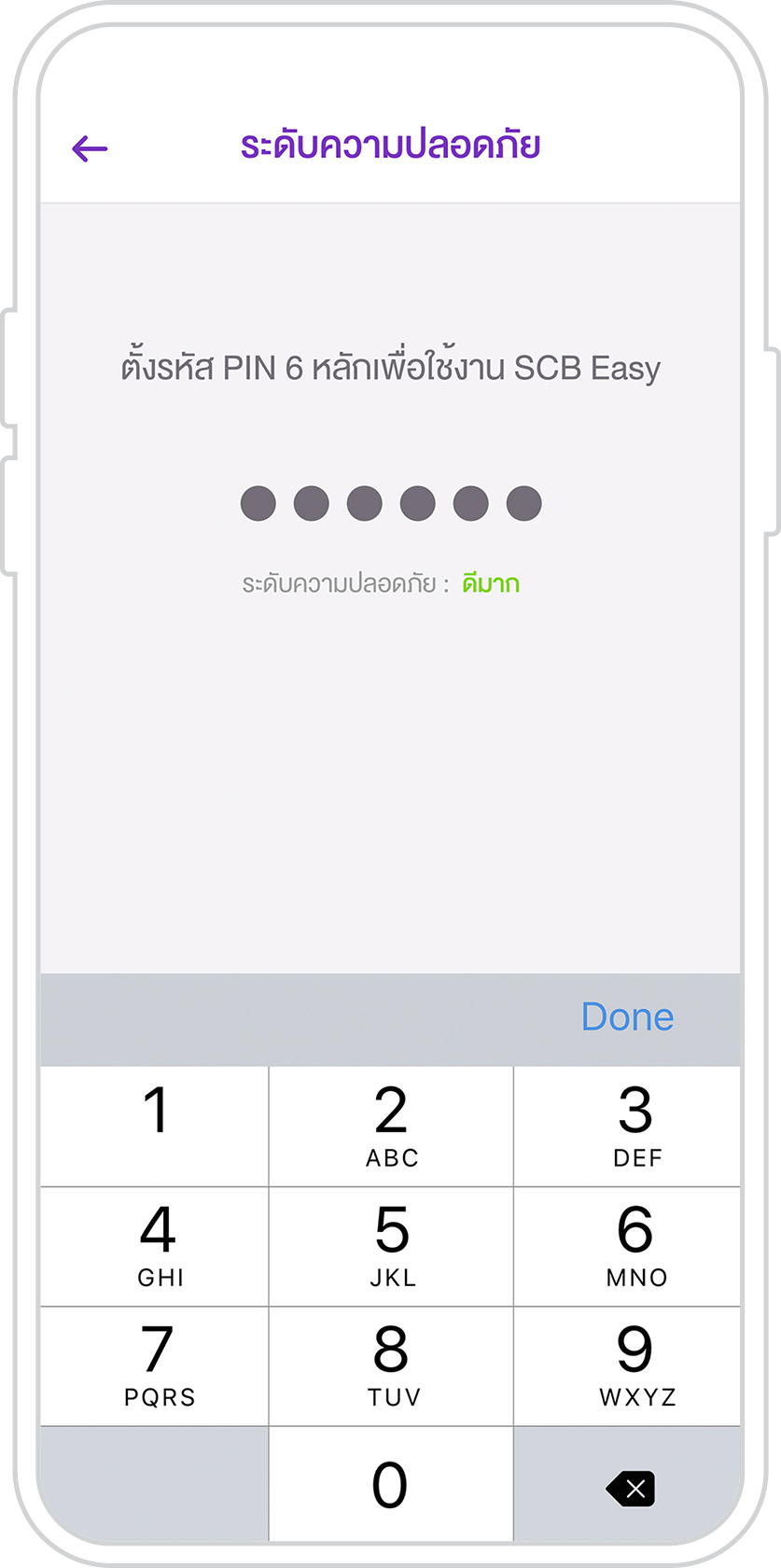
13. Set a 6-digit PIN.
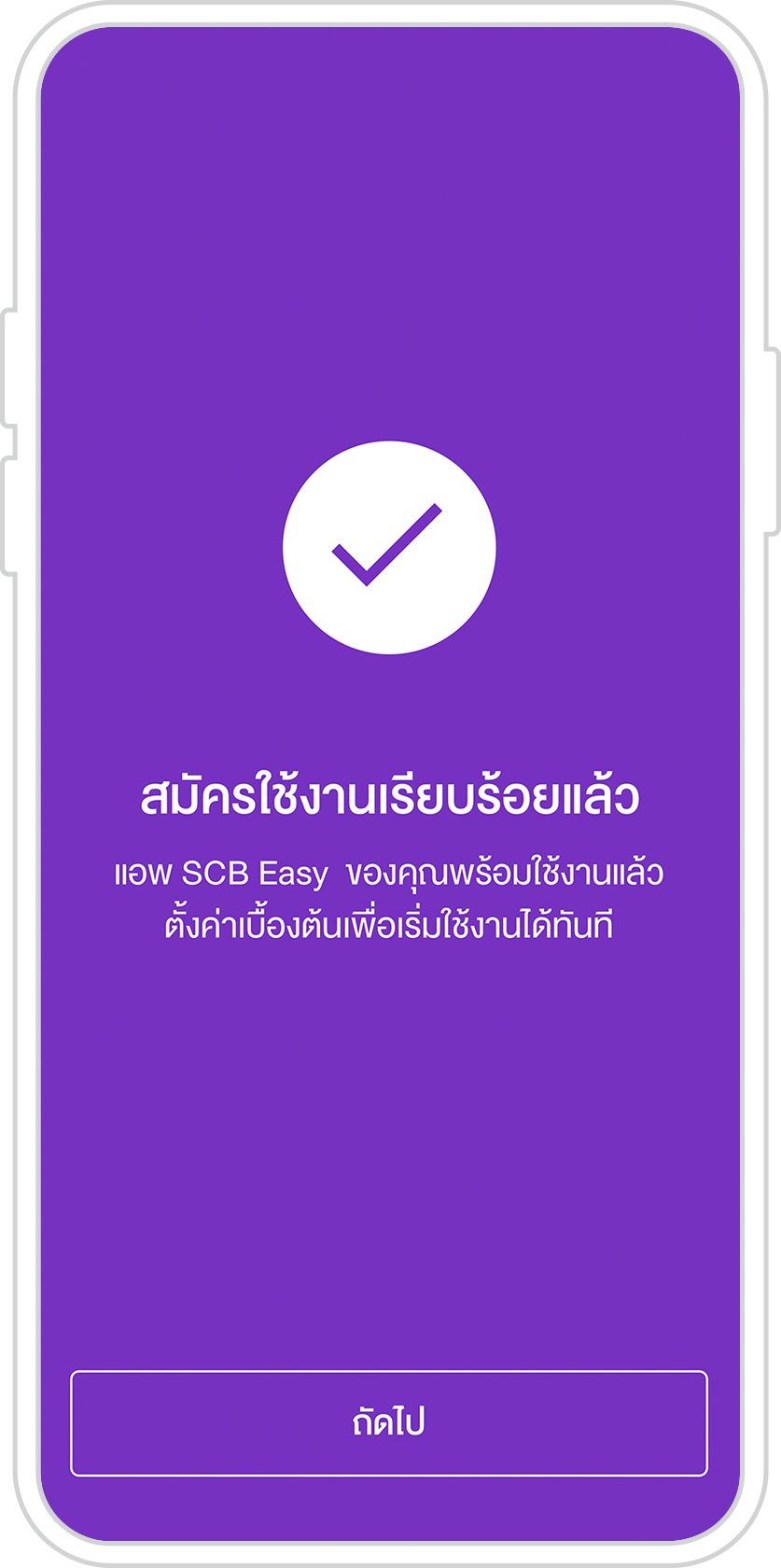
14. Successful registration. Tap “Next” to start using.
What you need for account opening

SCB EASY app
For account opening

Your National ID Card
For identity authentication

Your mobile phone number
For receiving an OTP
Service terms and conditions
Account opening
- Account opening is available via the SCB EASY app during 07:00 am – 10:30 pm.
- Your identity authentication at SCB ATM will remain valid for 3 days. You will need to make a new identity authentication transaction if you do not complete the process within that timeframe.
Transactions and fees
- On the SCB EASY app and Internet banking (SCB Easy Net): No fee for fund transfers from your online savings account to other accounts and cardless ATM cash withdrawals.
- At SCB branches:
- Cash and cheque deposits
- Withdrawals
- Fund transfers
- Request to add your signature
- Apply for an ATM or debit card
- Close the account
- At SCB ATMs/CDMs: Cash deposits and cardless ATM cash withdrawals
Identity authentication is available at the following SCB ATM locations
SCB ATM locations | |
SCB Park West B | SCB Express, Siam Square Branch |
St. Gabriel’s College Alumni Association (near McDonald’s) | Chulalongkorn University (Pudson Dormitory Canteen) |
7-11 at St. Joseph’s Convent School | Wittayakit Building, Underground Floor |
Caff Phillia, Sri Wiang Road | 7-11 South Sathorn (Soi Sathorn 13) |
MidTown Asoke | Ploenchit Center Branch |
Soi Hua Mak 31 | 7-11 Soi Pridi Phanomyong 34 |
Interpark Dormitory (Thammasat University, Rangsit Campus) | Thammasat University Branch |
Mahidol University, Salaya Campus – Baan Leelawadee Dormitory 10 | Siam Paragon, ATM 1 near the car park exit at the North Wing on the 2nd Floor |
SCB Investment Center on the 5th Floor at Central World | Siam Center on the 2nd Floor in front of Sizzler |
Digital Gateway on the ground floor near Innisfree | BTS Phrom Phong Cash Corner |
Other options for opening an online savings account

Open an account with identity authentication at service point

Open an account with identity authentication via another banking application